
Google Analytics MCP 1.0: what it does and how to connect it to GA4
Contents
The Google Analytics MCP server is the official way for an AI assistant, such as Claude or Cursor, to query the data of a GA4 property through Google's APIs. On November 3, 2026, Google released version 1.0.0 and the project left its experimental stage. Three days later, version 1.1.0 added the optional creation of key events and custom dimensions.
This article explains which tools it includes, how to install it step by step and which precautions to take before enabling write access. Everything stated about how the server works comes from the official GitHub repository and the Google for Developers documentation, both consulted on November 11, 2026.
In summary
- With 1.0.0 (November 3, 2026), the project is no longer experimental. The current version as of November 11, 2026 is 1.1.0.
- It offers four reports (standard, realtime, funnel and conversions) plus configuration reads: accounts, property, key events, custom dimensions and metrics, Google Ads links and annotations.
- Each report response returns up to 250,000 rows; larger volumes are paginated.
- It is read-only by default. Creating annotations, key events or custom dimensions requires enabling
--allow-write, adding theanalytics.editscope and holding the right role on the property. - It requires a Google Cloud project with two APIs enabled, credentials and Python 3.10 or later.
What an MCP server is and what changes with version 1.0
MCP (Model Context Protocol) is an open protocol that lets an AI assistant use external tools. An MCP server exposes those tools with a name, a description and their parameters, and the assistant decides when to call them. Here, the tools query the Google Analytics Data API and the Google Analytics Admin API with the user's credentials.
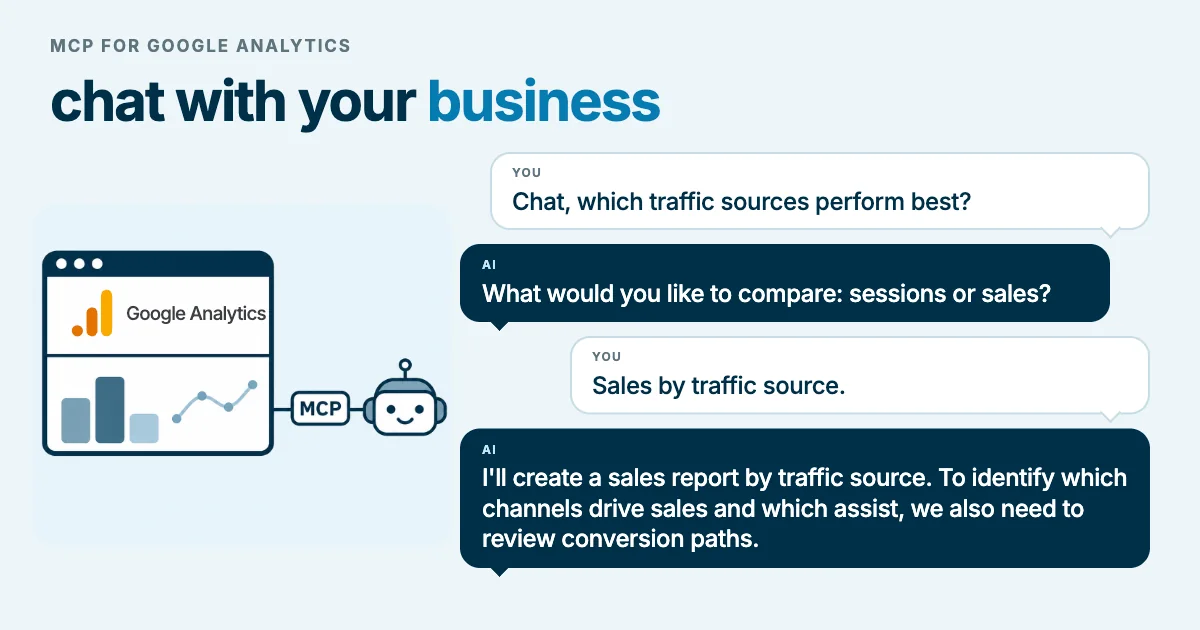
In practice, instead of building a report in the interface or writing code against the API, the question goes to the assistant, which turns the request into a query, runs it and returns the result.
The project was released as an experiment in August 2025 (version 0.1.0). Version 1.0.0, from November 3, 2026, declares it stable, according to the repository's release list. Version 1.1.0, from November 6, added minute ranges to realtime reports and the optional write tools for custom dimensions and key events.
What it can do today
Reports
- Standard report (
run_report). Dimensions, metrics, filters, ordering and date ranges. Each response returns up to 250,000 rows and can be paginated. - Realtime (
run_realtime_report). The last 30 minutes, or up to two minute ranges within that window. Useful to confirm that a campaign launched minutes ago or a fixed tag is already sending data. - Funnels (
run_funnel_report). User-defined steps, a breakdown by one dimension, segments and "next action" analysis: what people do after completing or abandoning the funnel. It uses the alpha version of the Data API, so it may change. - Conversions (
run_conversions_report). Ad costs, conversions, return on ad spend (ROAS) and attribution model, data-driven (DATA_DRIVEN) or last click (LAST_CLICK).
Exclusive content
For signed-in readers
A report you can reconcile
Review an illustrative query and fictional numeric check with explicit dates, scope, and pagination.
Sign in to access this section →We work to offer the best possible content, which is why some of these explanations are not public.
Your account does not have access to this section. Request a demo
Configuration audit
- Summary of the accounts and properties the credential can access.
- Property details.
- List of key events.
- Custom dimensions and metrics.
- Linked Google Ads accounts.
- Property annotations.
For an audit, this part is as useful as the reports: it makes it possible to ask, for example, which events are marked as key events and whether any of them recorded no activity in the last 30 days.
Exclusive content
For signed-in readers
Turn configuration into verifiable findings
Separate observation, hypothesis, and next check without treating missing activity as a confirmed error.
Sign in to access this section →We work to offer the best possible content, which is why some of these explanations are not public.
Your account does not have access to this section. Request a demo
Configuration (only with write access enabled)
- Create annotations on the property timeline.
- Create custom dimensions (requires the Editor role).
- Mark an event as a key event (requires the Marketer or Editor role).
These three tools are not available unless the server starts with write access enabled.
Prerequisites
- A Google Cloud project.
- The Google Analytics Admin API and the Google Analytics Data API enabled in that project.
- Access to the property with at least the Viewer role.
- Credentials with the
https://www.googleapis.com/auth/analytics.readonlyscope. To write,https://www.googleapis.com/auth/analytics.editas well. - Python 3.10 or later and
pipx(oruv) to run theanalytics-mcppackage.
How to install it step by step
Enable the APIs. From the Google Cloud console or with the Google Cloud CLI:
gcloud services enable analyticsadmin.googleapis.com analyticsdata.googleapis.com --project=YOUR_PROJECT_IDSet up credentials. The most direct option is Application Default Credentials (ADC):
gcloud auth application-default login --scopes="https://www.googleapis.com/auth/analytics.readonly,https://www.googleapis.com/auth/cloud-platform"The command reports the path of the credentials file it creates. Alternatively, a service account can be used, through impersonation or with a key file, and granted access to the property like any user.
Add the server to the assistant. In Claude Code:
claude mcp add analytics-mcp --scope user -e GOOGLE_APPLICATION_CREDENTIALS="PATH_TO_CREDENTIALS_JSON" -e GOOGLE_CLOUD_PROJECT="YOUR_PROJECT_ID" -- pipx run analytics-mcpIn Claude Desktop, Cursor or other compatible clients, the equivalent JSON configuration is:
{
  "mcpServers": {
    "analytics-mcp": {
      "command": "pipx",
      "args": ["run", "analytics-mcp"],
      "env": {
        "GOOGLE_APPLICATION_CREDENTIALS": "PATH_TO_CREDENTIALS_JSON",
        "GOOGLE_CLOUD_PROJECT": "YOUR_PROJECT_ID"
      }
    }
  }
}
Test the connection. Restart the client and ask something low-risk, for example: "Which Google Analytics accounts and properties can I access?" If the answer lists the expected properties, the connection works.
The repository also documents running it as a self-hosted HTTP server, including on Cloud Run, with built-in OAuth. Google does not offer a hosted server: each team runs its own.
Exclusive content
For signed-in readers
A connection you can repeat
Document version, scope, and read tests with a troubleshooting matrix that avoids sharing credentials.
Sign in to access this section →We work to offer the best possible content, which is why some of these explanations are not public.
Your account does not have access to this section. Request a demo
Prompts to start with
- "Compare sessions and key events from Meta against Google Ads for the last 30 days versus the previous period." The result depends on how Meta traffic is tagged: without consistent UTM parameters, part of that traffic may appear as referral or direct.
- "Show the purchase funnel for paid traffic only. At which step do most people drop off, and what do they do next?" The assistant has to define a paid-traffic segment; ask it to state the condition it used.
- "Is traffic from the campaign launched today arriving in realtime?"
- "Add an annotation dated today: the bidding strategy was changed to target ROAS." This only works with write access enabled.
In every case, ask the assistant to show the dimensions, metrics, filters and dates it used. A correct report built on the wrong definition is still a mistake.
Exclusive content
For signed-in readers
Three requests with an evidence contract
Use templates for ecommerce, acquisition, and funnels that require a definition, query, limitations, and verifiable results.
Sign in to access this section →We work to offer the best possible content, which is why some of these explanations are not public.
Your account does not have access to this section. Request a demo
Why start in read-only mode
Write access is enabled on purpose, with the --allow-write option or the ANALYTICS_MCP_ALLOW_WRITE environment variable, and it also requires the analytics.edit scope. Keeping it off at first has three advantages:
- Limited damage. An ambiguous request cannot create key events or dimensions. A key event changes what reports count as a conversion and, if the property is linked, what may reach Google Ads.
- Limited quotas. Properties have a maximum number of custom dimensions. A test dimension uses up a slot.
- Process. Before delegating changes to an assistant, the team needs to define who approves them and how they are recorded.
When write access becomes necessary, use a separate credential, limited to the relevant properties, and start with annotations, which do not alter the data.
Exclusive content
For signed-in readers
Review a write before enabling it
Prepare a specific change with scope, need, permissions, and recovery before requesting approval.
Sign in to access this section →We work to offer the best possible content, which is why some of these explanations are not public.
Your account does not have access to this section. Request a demo
Limitations to keep in mind
- Misaligned documentation. As of November 11, 2026, the Google for Developers page states that the server is available for read requests only and lists nine tools; the repository, at version 1.1.0, includes thirteen, three of them optional write tools.
- Alpha features. Funnels and annotations rely on alpha versions of Google's APIs, which may change.
- Quotas. Queries consume the project's Data API quota. Many chained questions over wide date ranges can exhaust it.
- Interpretation. The server returns data; the assistant builds the conclusion. Figures should be checked before they are used in a decision or a client report.
The assistant's answers are only as good as the property's configuration. If events, conversions or campaign attribution are not well defined, the CookingMetrics Google Analytics self-check helps review them before relying on an automated query.
Related reading
- Google Ads MCP: setup, eCommerce and B2B leads, the equivalent server for the ad account.
- What we learned from reviewing our site for AI agents, on how CookingMetrics prepared its site for agents.
Frequently asked questions
Does the Google Analytics MCP change the property?
No, unless write access is explicitly enabled. By default it only reads reports and configuration. With --allow-write and the analytics.edit scope it can create annotations, key events and custom dimensions, depending on the credential's role on the property.
Do you need to code to use it?
Not to query it: questions are asked in natural language. Installation does require working with the Google Cloud console, the command line and the AI client's configuration file.
Does Google offer a hosted server?
No. The server runs on the user's machine or on the team's own infrastructure, such as Cloud Run. The repository documents both options.